Docs
Short video guides to every part of Prolepsia, each with the steps written out.
Full tour
Every guide in one sitting, about 22:46 in all. Pick a chapter to jump to it.
Get started
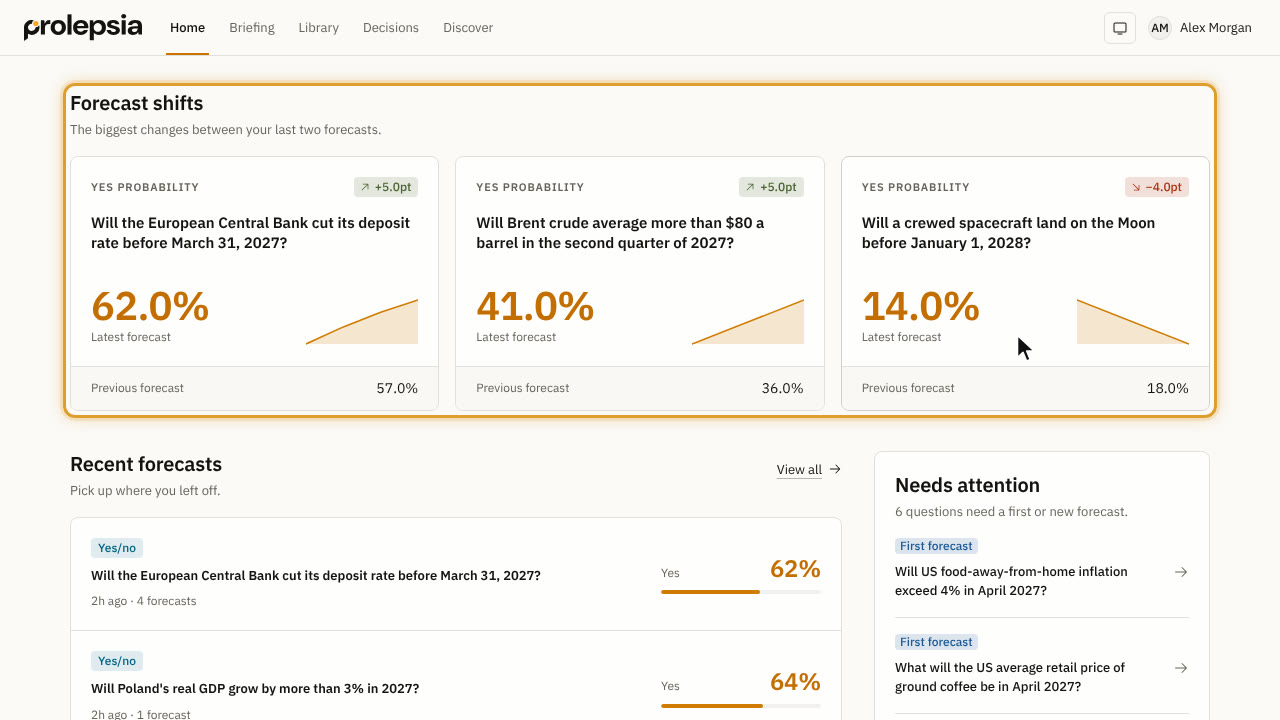 Find your way around1:01What you see on Home, and where Briefing, the Library, Decisions and Discover are.
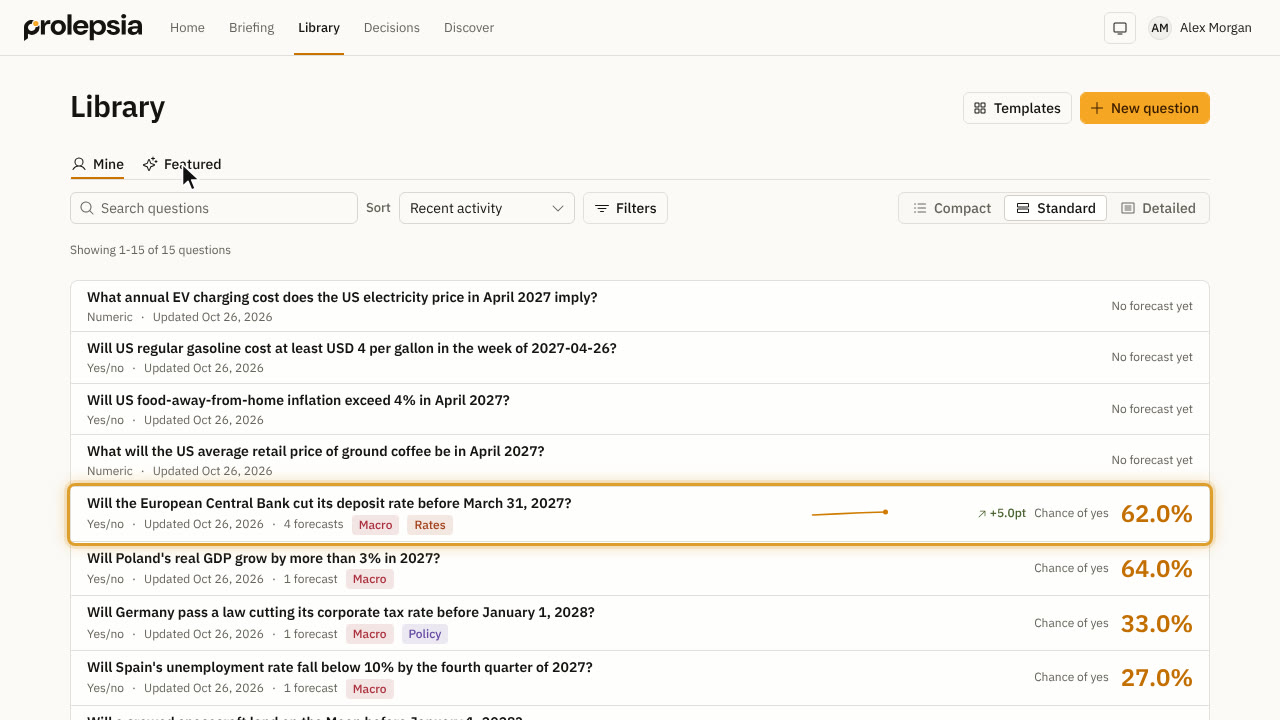 Browse the Library1:00Find, filter and tag your questions, and choose how much each row shows.
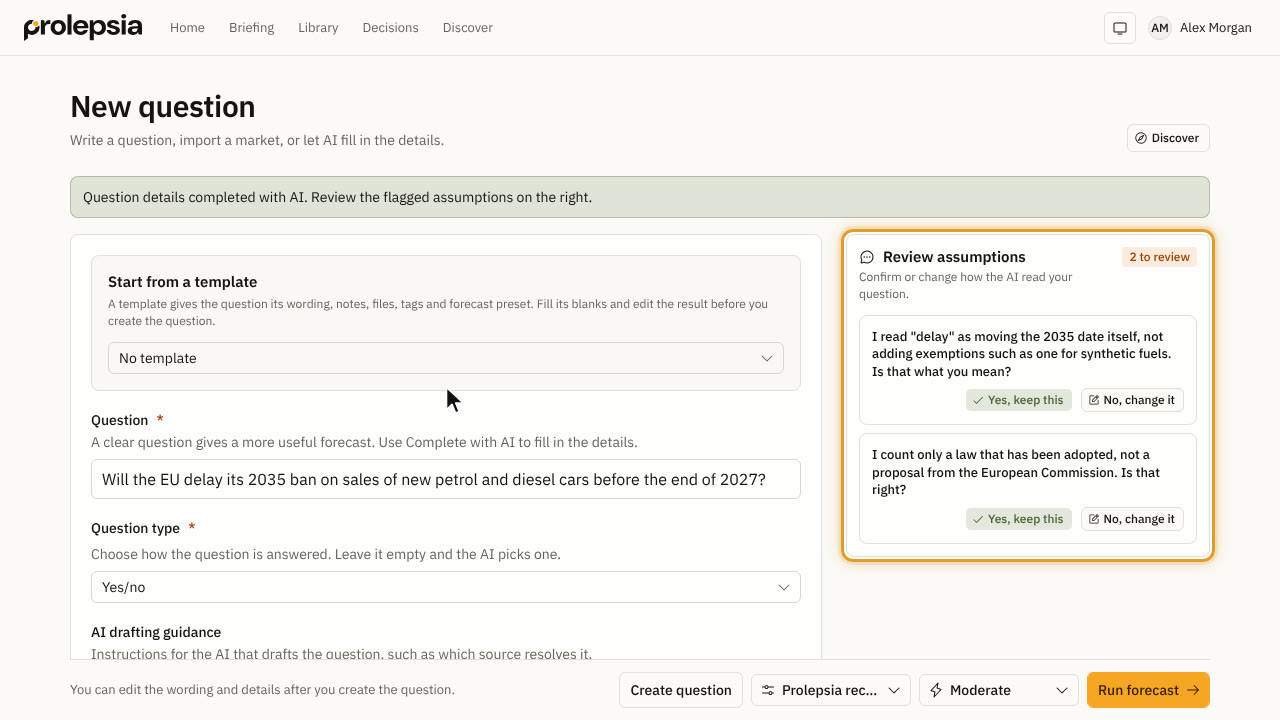 Ask a question1:16Write a question, let AI draft the details, or import one from a prediction market.
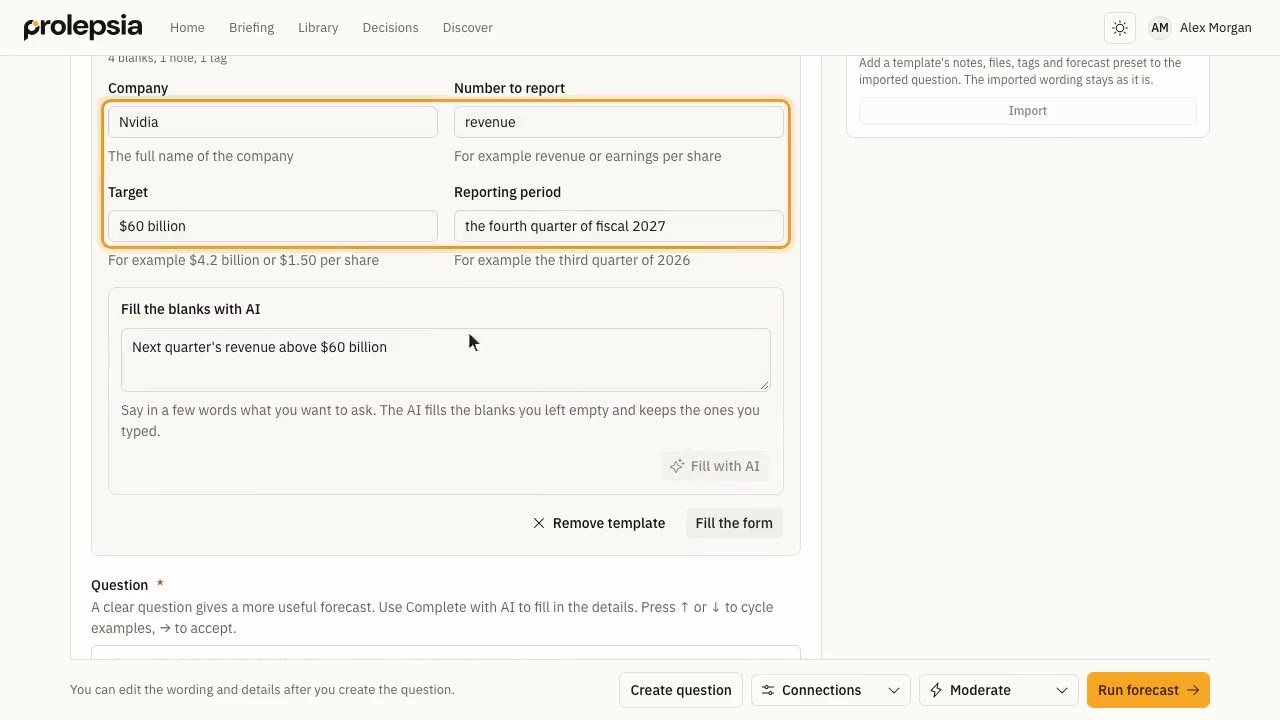 Start from a template1:27Use a template for a question you ask often, fill its blanks by hand or with AI, and make templates of your own.
Forecasts
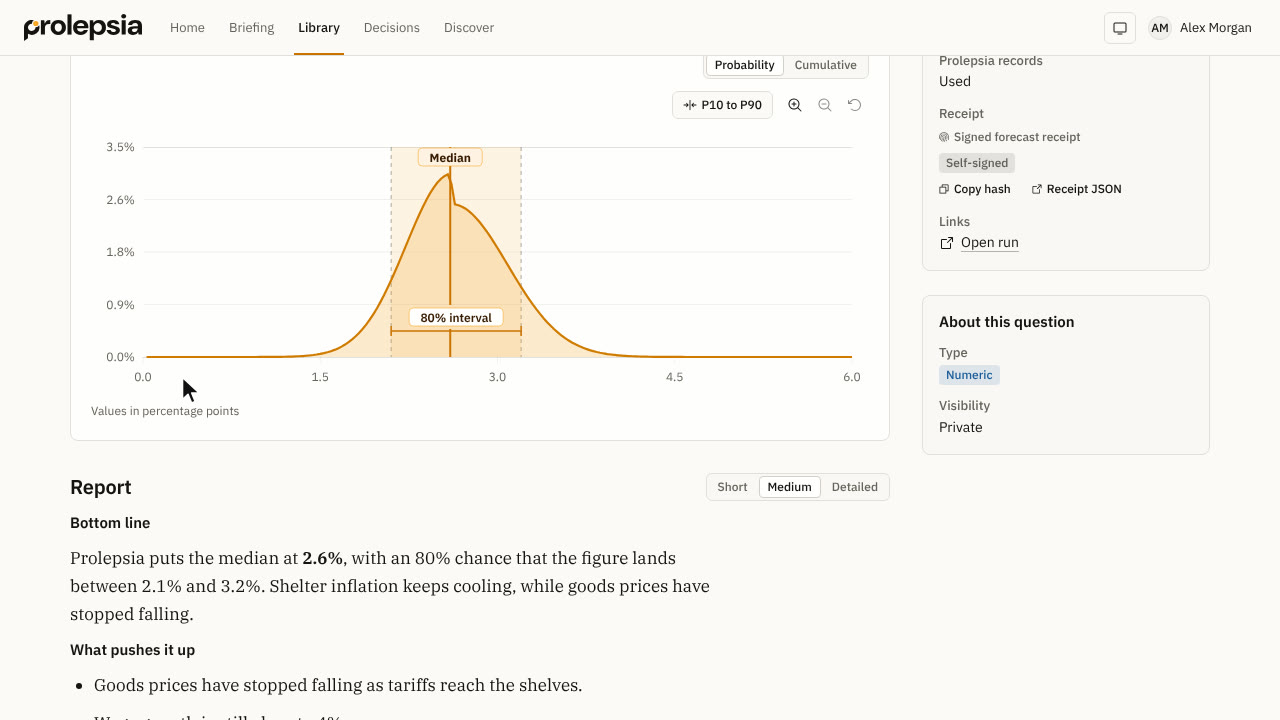 Run a forecast1:19Pick a run mode, start a forecast and follow it while it researches.
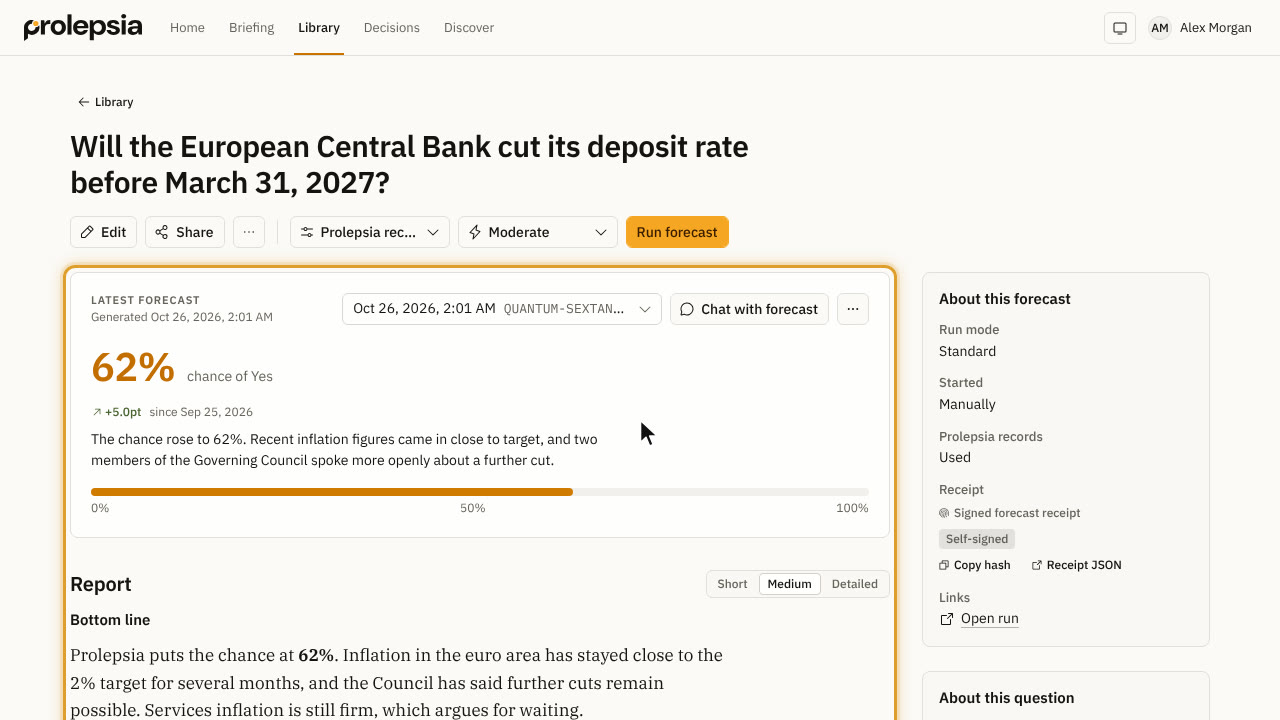 Read a forecast0:51Read the answer, the report and the sources, and compare earlier forecasts.
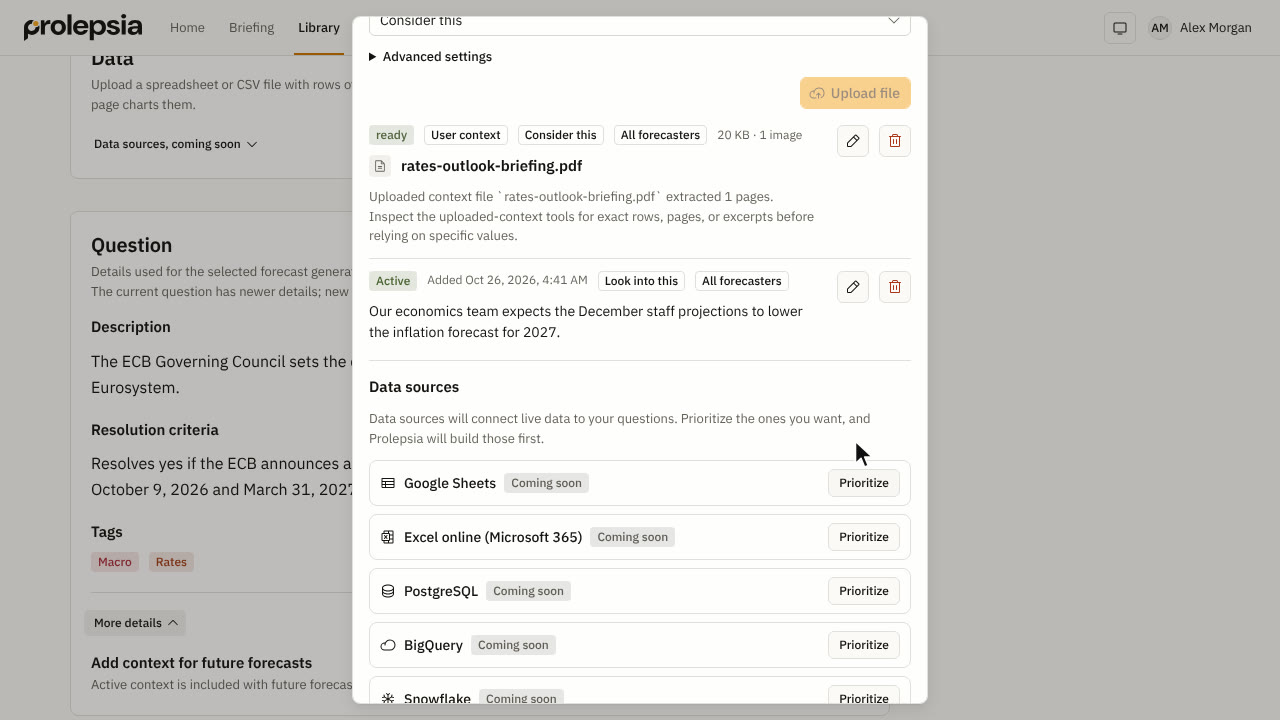 Add context to a question1:00Give later forecasts your own notes and files, and say how to use them.
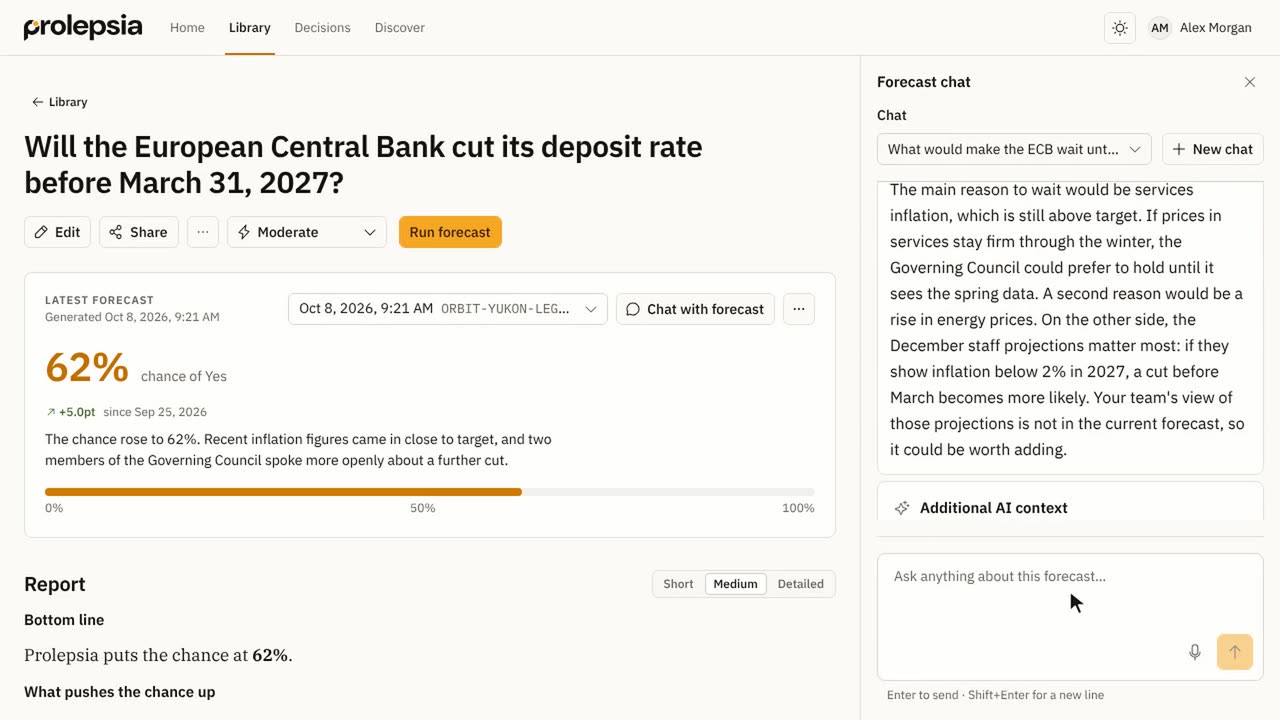 Chat with a forecast0:41Ask follow-up questions about a forecast, and turn new facts into context.
Keep forecasts current
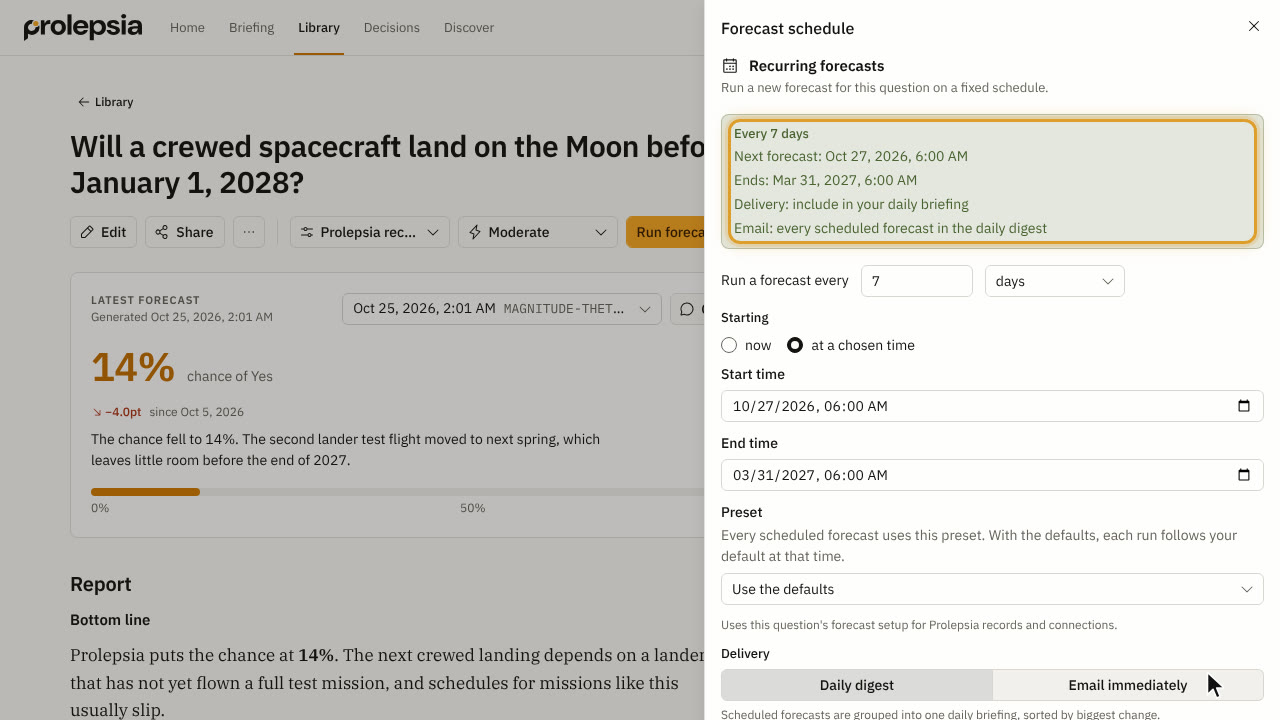
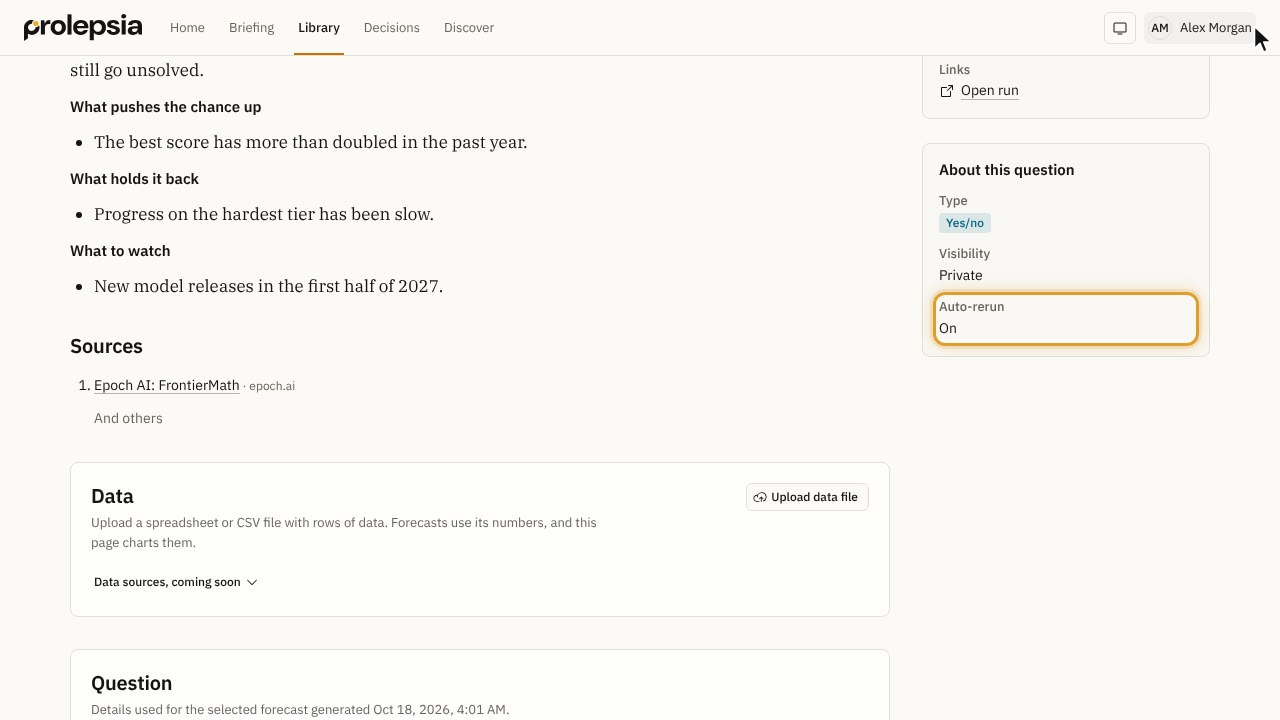
Explore and decide
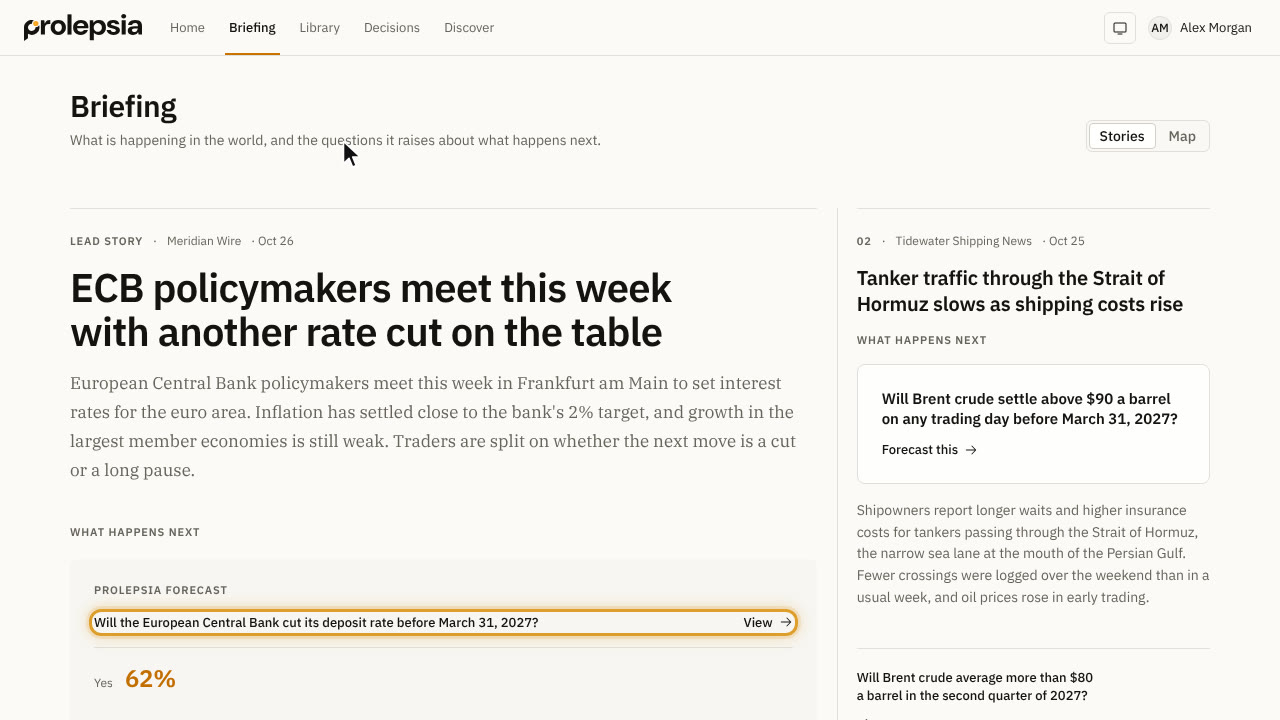 Read the briefing0:58Read the day's stories, see the questions they raise, and find each story on a map.
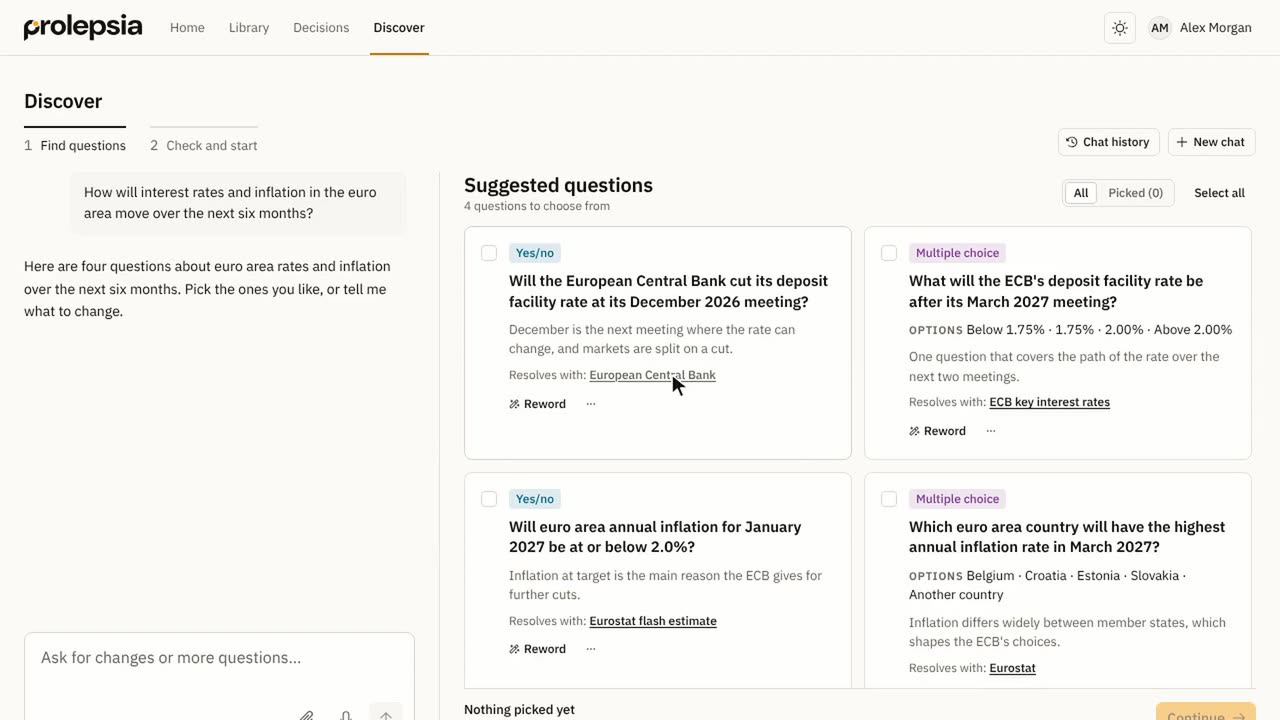 Turn a topic into questions1:45Describe what you want to know, pick the questions you like, check them and forecast them all at once.
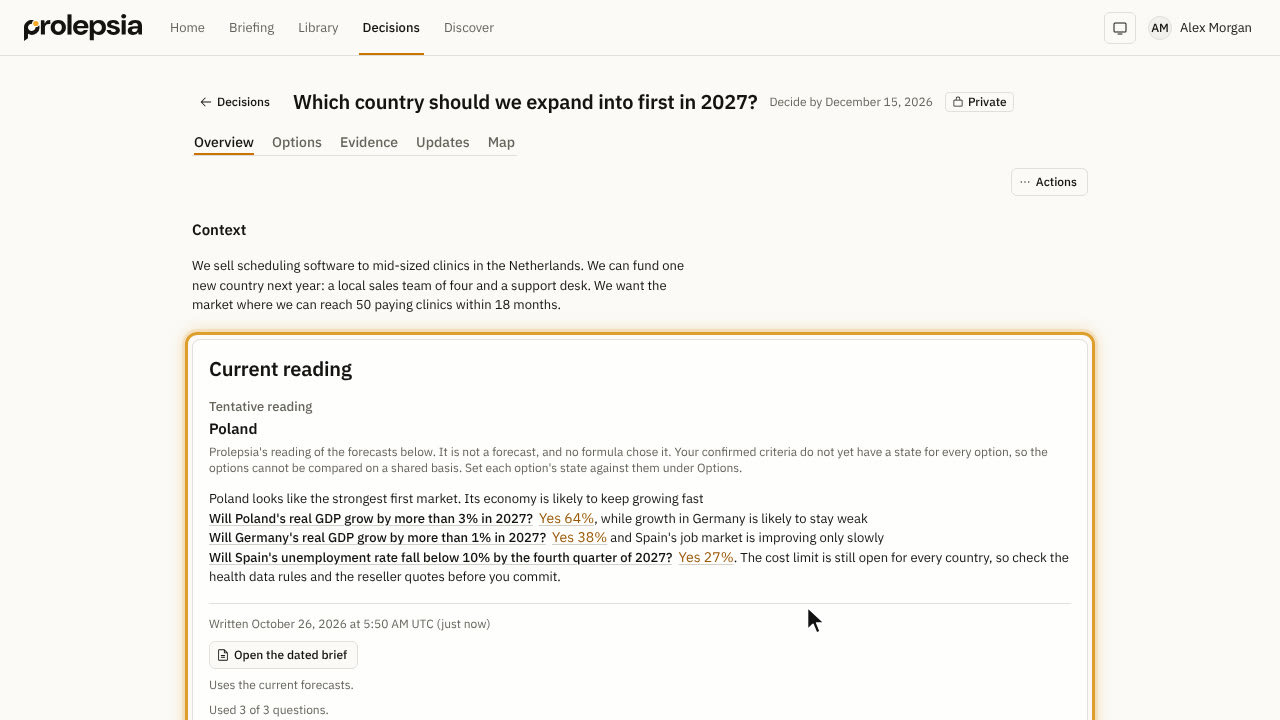 Weigh a decision1:59Set your criteria, research what matters, read the brief, record your choice and review it later.
Share and connect
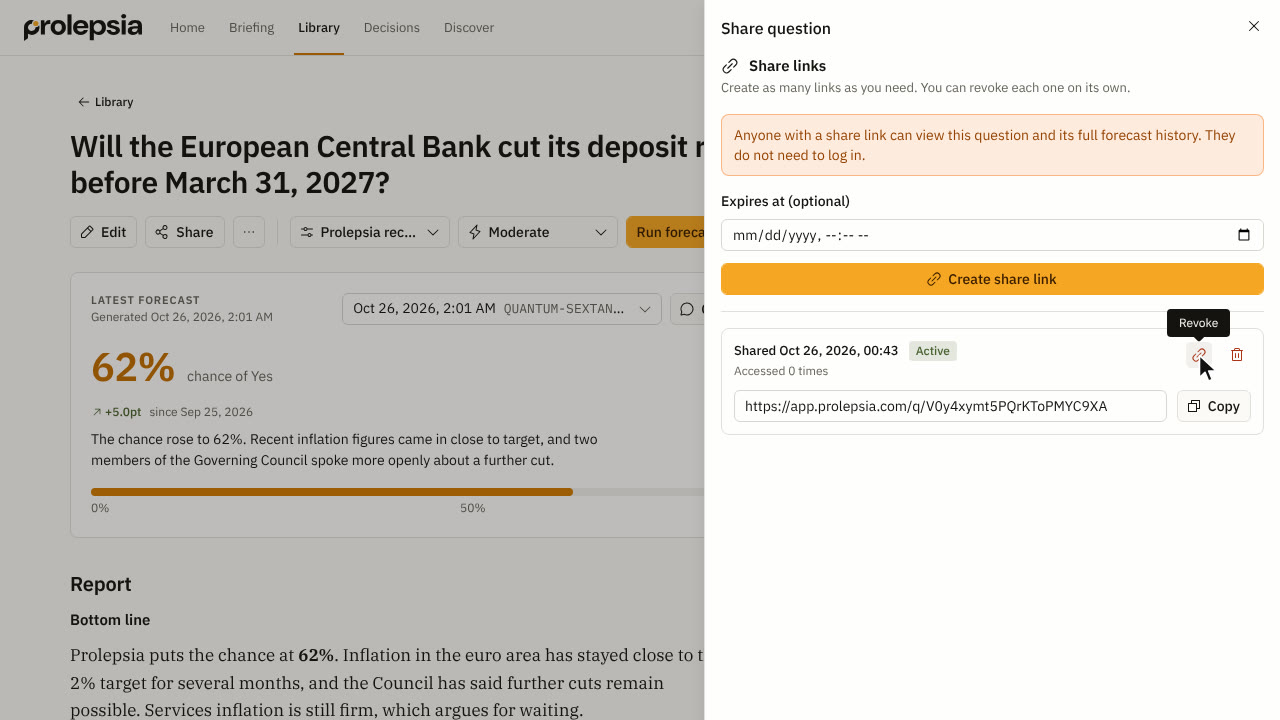 Share a question0:35Share a question with your organization, or with anyone through a link.
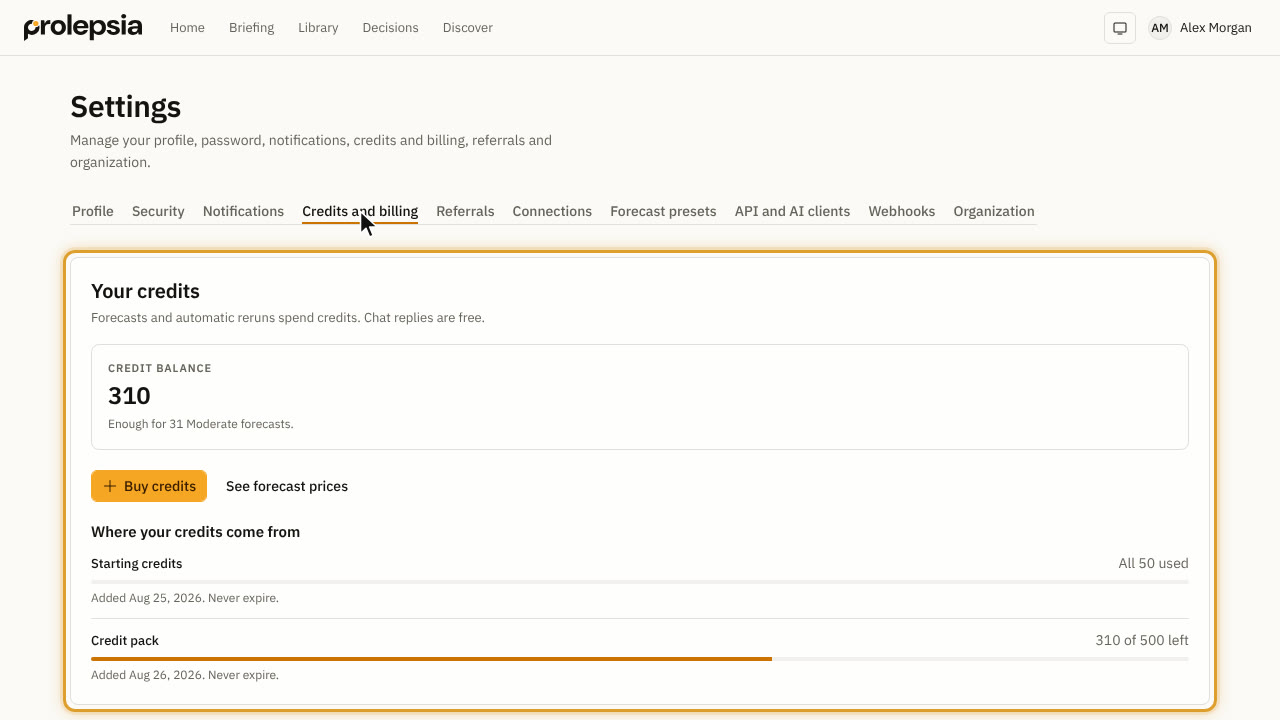 Settings, credits and notifications1:14Set your report length and emails, buy and track credits, and see your organization.
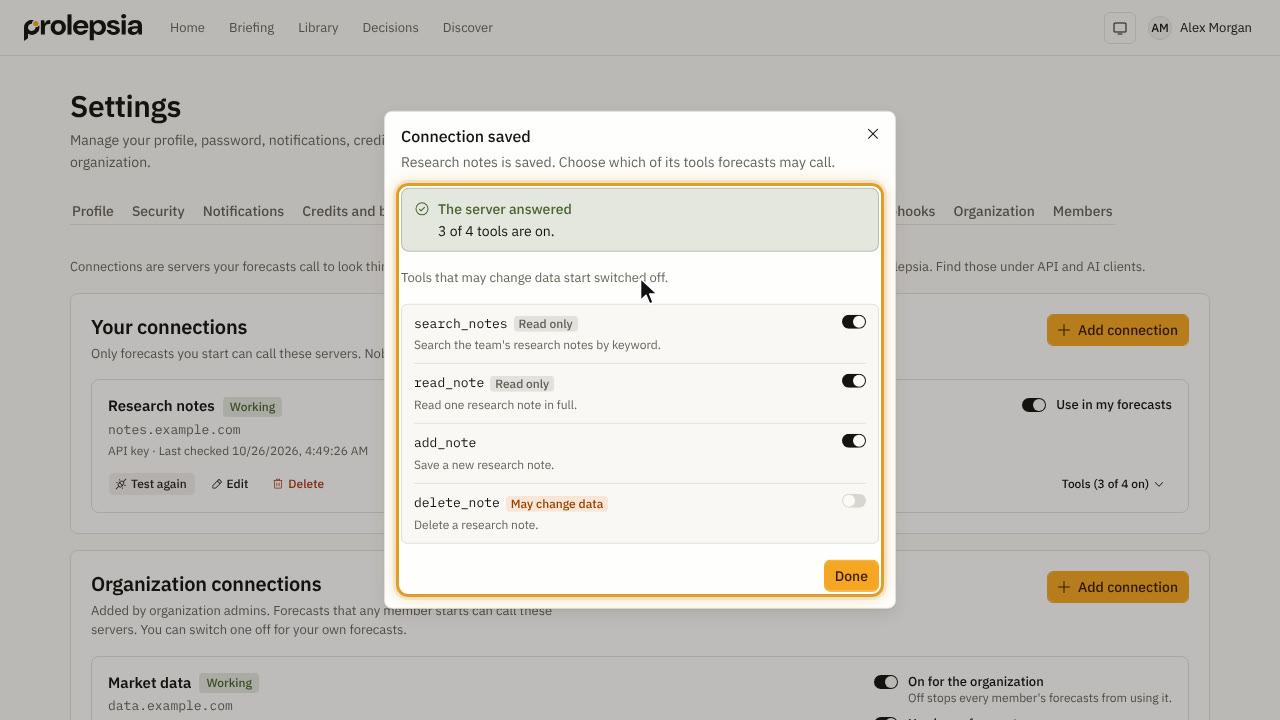 Connect your own tools1:26Add a connection so your forecasts can look things up in your own tools and data.
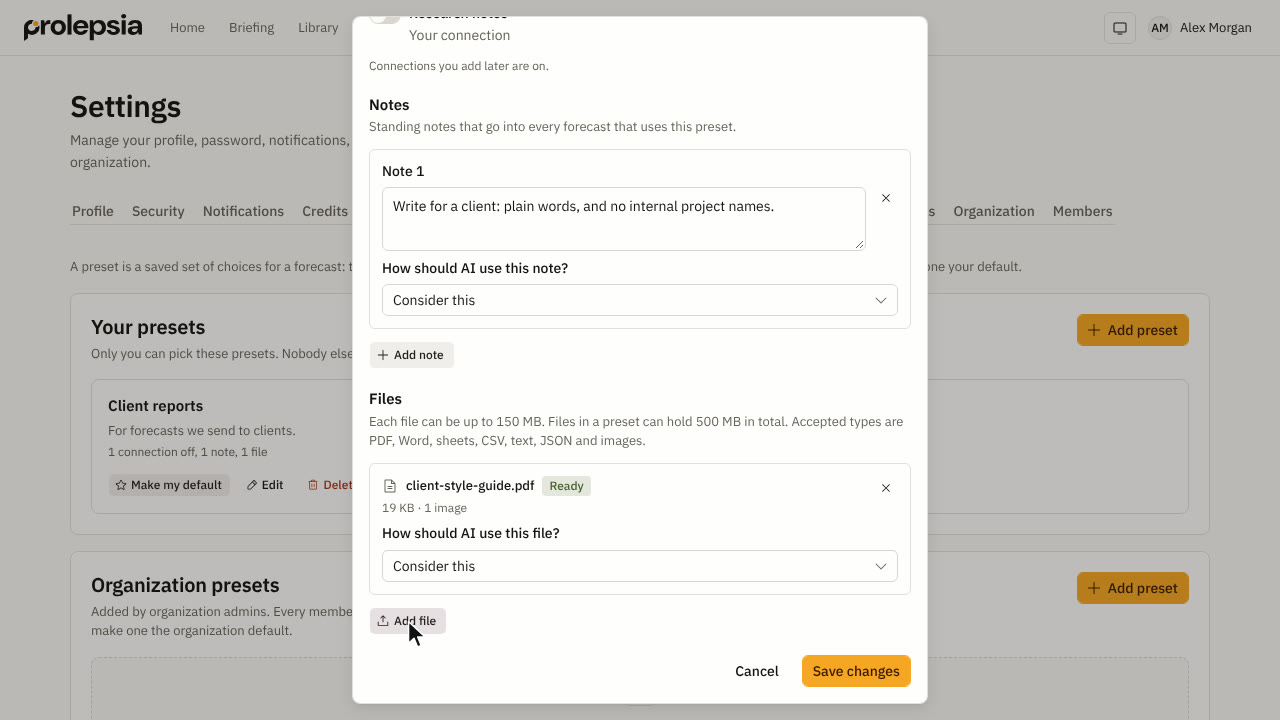 Save forecast presets1:21Save the connections, standing notes and files you use again and again, and pick them for any forecast.
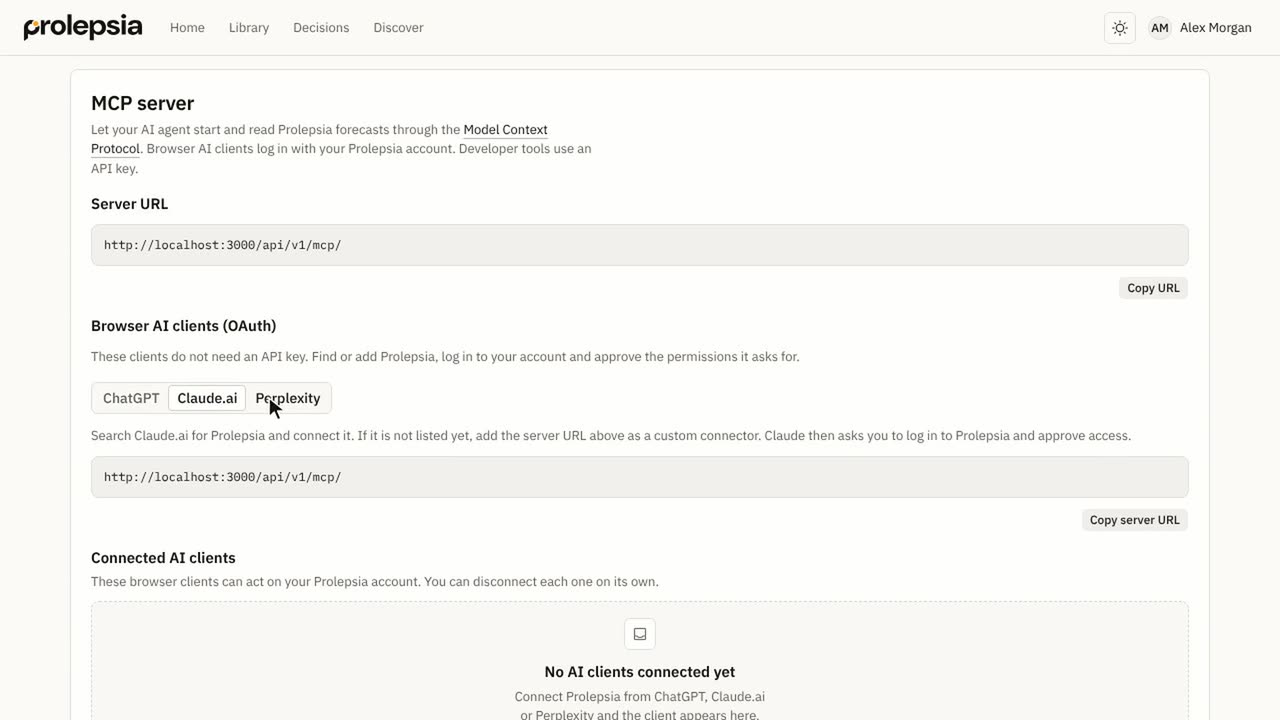 Use Prolepsia in your AI assistant1:01Connect ChatGPT, Claude, Cursor and other tools to Prolepsia through its MCP server.
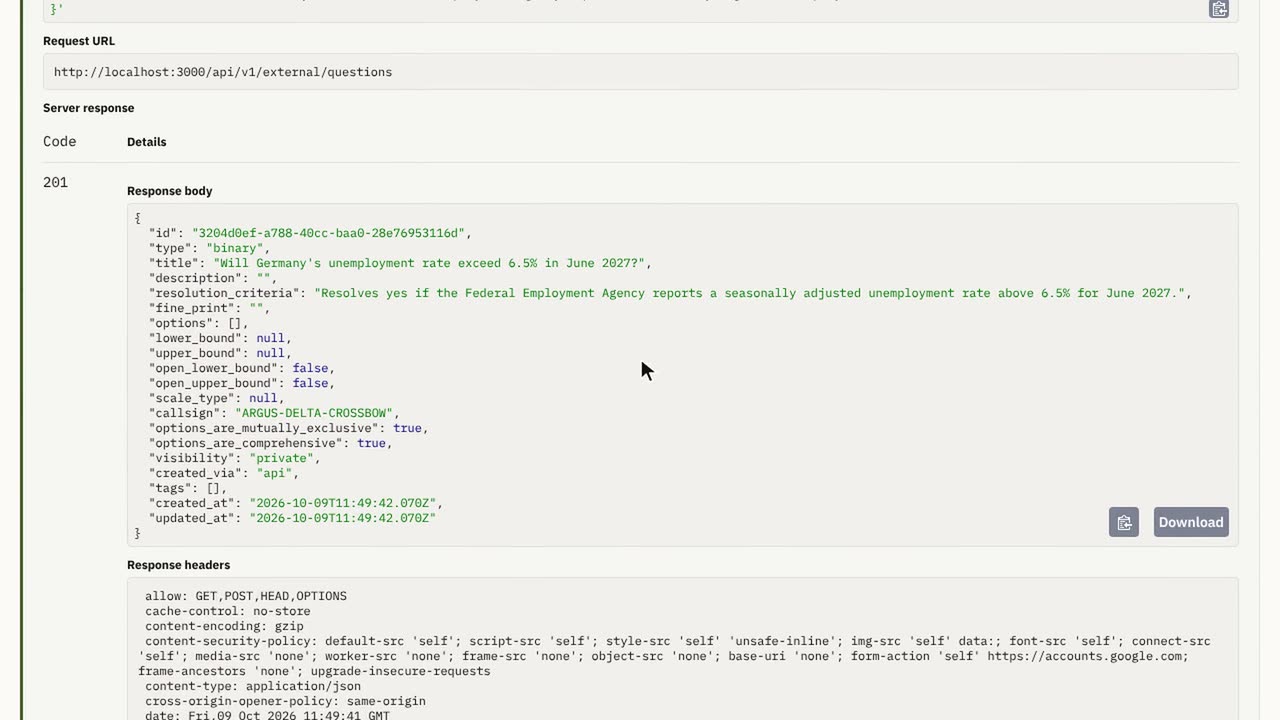 Use the API and webhooks2:07Create an API key, call the API from your code and get a webhook when a forecast finishes.
For developers
Call Prolepsia from your own code and AI agents, with examples in TypeScript, Python and curl.
- APICreate questions, start forecasts and read results from your own code, with examples in TypeScript, Python and curl.
- WebhooksGet a signed HTTPS call when a forecast starts, finishes or fails, and check the signature on your server.
- MCP serverConnect ChatGPT, Claude, Cursor, Codex and your own agents to Prolepsia, and install the agent skill.
AI agents can read every developer page as Markdown. The index lists them all: llms.txt.
The videos use a demo account with sample questions and forecasts. For the full list of API calls, open the API reference.